


On a call.
Let a colleague in with Ambient, then go back to quiet. No fumbling with the earcup mid sentence.

Control your headphones without touching them.
 Download for MacSupports JBL Tune 770NC & 670NC, more models coming
The buttons live on the earcup. Your hands live on the keyboard. hush. puts the controls where your hands already are.
A thin orange bar on the edge of your screen. Know before they run out.
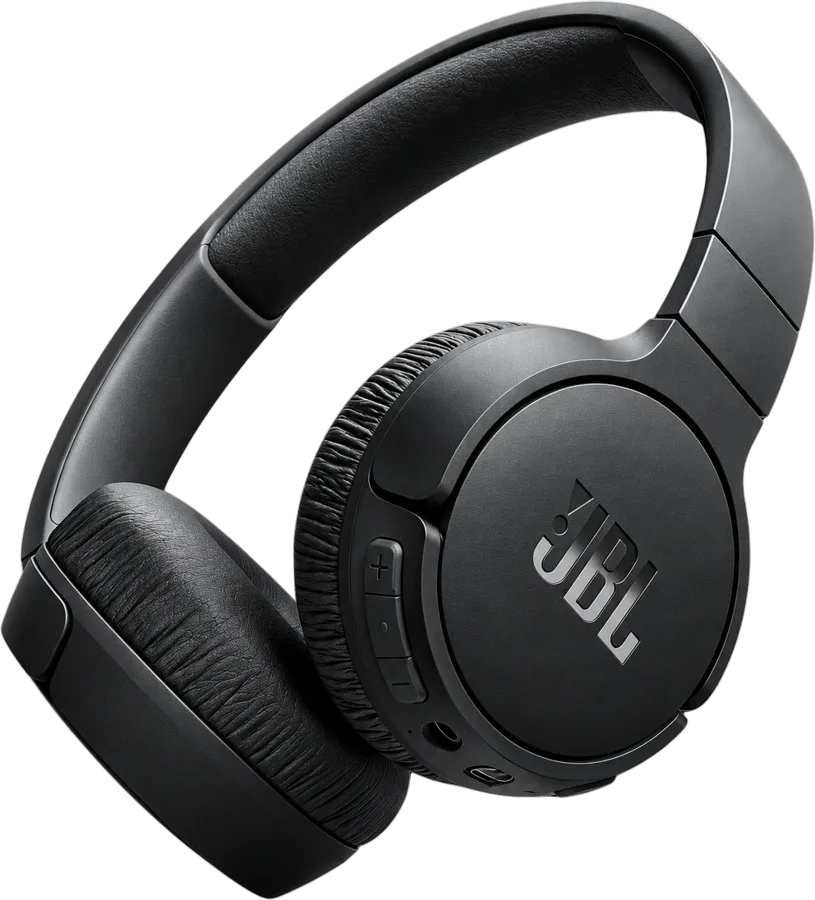
hush. connects to your Tune and moves its controls onto your screen.
Your headphones and their battery as a thin orange bar. Nothing else.
Pick a mode and the ring fills while hush. waits. Orange only appears once your headphones say yes.
Under the notch, on either side, anywhere you like. The tray always opens toward the free space.
It floats too. Wherever it sits, the tray finds the room around it.
Drag the island on the edge of this page anywhere. Click it for sound, theme and shortcuts.


Connected
One click on the island and your headphones close the door on the room. hush. waits for them to confirm before anything turns orange.
The Equalizer, your headphone settings and power off now live in the tray too. No phone app needed.
Six presets, one tap each. The curve sweeps across to show you exactly what changes, from the deep lows to the bright highs.
Tap the gear in the tray and the settings slide up inside it. Turn on the Max Volume Limiter or switch Voice Prompt off, right from your Mac.
This will power off JBL Tune 770NC remotely.
Done for the day? Switch your headphones off with the power button in the tray. hush. asks first, so nothing happens by accident.
Noise control, the Equalizer, settings and power off work on the 770NC and the 670NC alike.
New versions arrive on their own. Nothing to download or chase.
hush. opens quietly in your menu bar. No windows popping up at launch.
Your Tune has great features. Getting to them should not mean taking your hands off the keyboard.
Click.
One click on the island at the edge of your screen. Your headphones switch, and your hands never left the keyboard.
Let a colleague in with Ambient, then go back to quiet. No fumbling with the earcup mid sentence.
The cafe gets loud, you turn ANC on from your screen and keep typing. Your flow stays intact.
Hear the announcement with Ambient. Glance at the battery before you leave the desk.

Quiet, one click from the notch.
Download for MacmacOS 14 or later